
Schedule
Apply scenes automatically on a weekly timer.
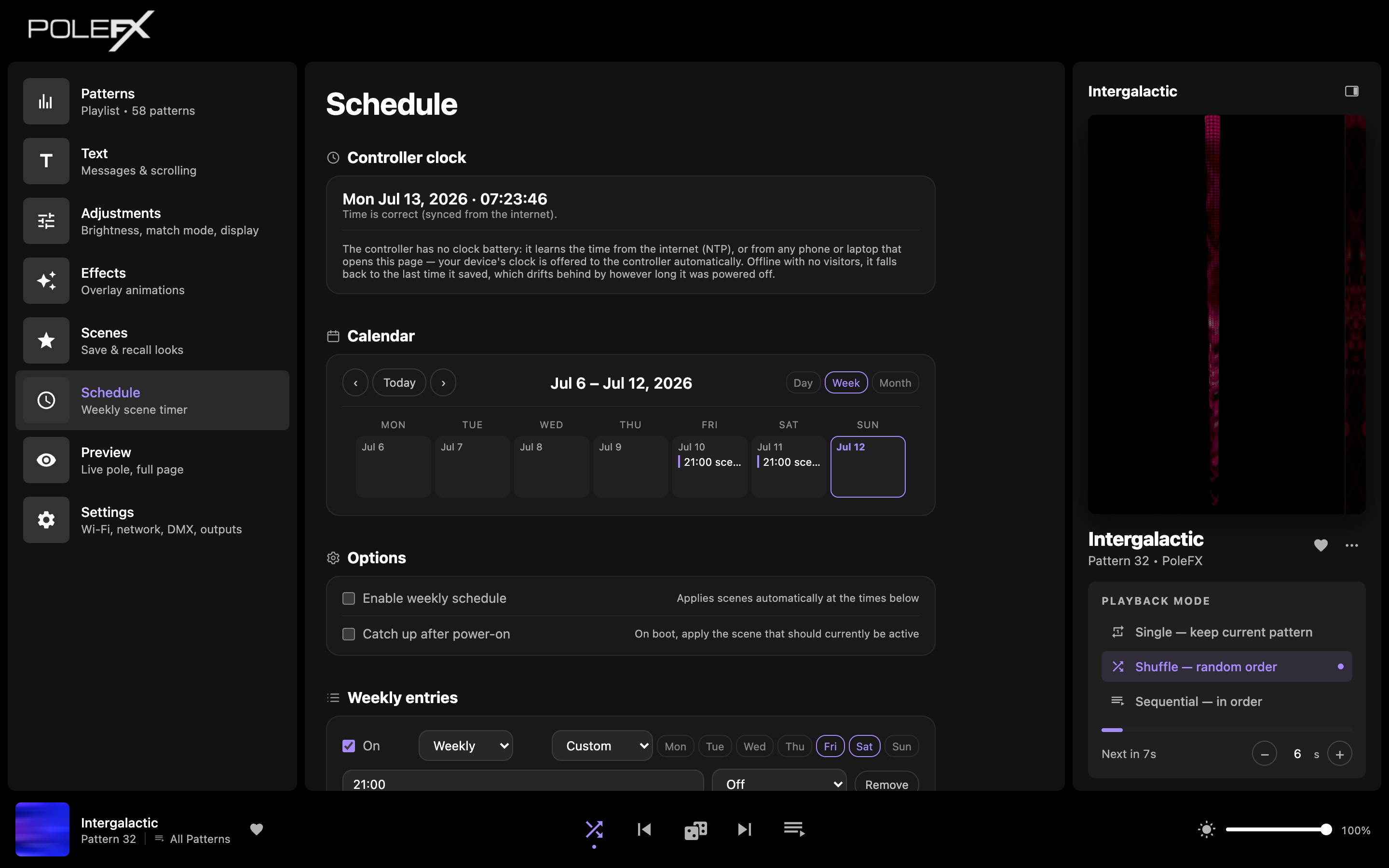
Controller clock
The controller has no clock battery. It learns the time from the internet (NTP), or from any phone or laptop that opens the web app. Your device's clock is offered to the controller automatically. Offline with no visitors, it falls back to the last time it saved, which drifts behind by however long it was powered off. The banner at the top tells you how confident the current time is.
Calendar
See your scheduled scene changes laid out by Day, Week, or Month.
Options
- Enable weekly schedule: apply scenes at the times set below.
- Catch up after power-on: on boot, immediately apply the scene that should currently be active (so a power blip doesn't leave the wrong look up).
Weekly entries
Each entry sets a day (or a Custom set of days), a time, and the scene to apply. Add as many as you need to build a full weekly program.