
Patterns
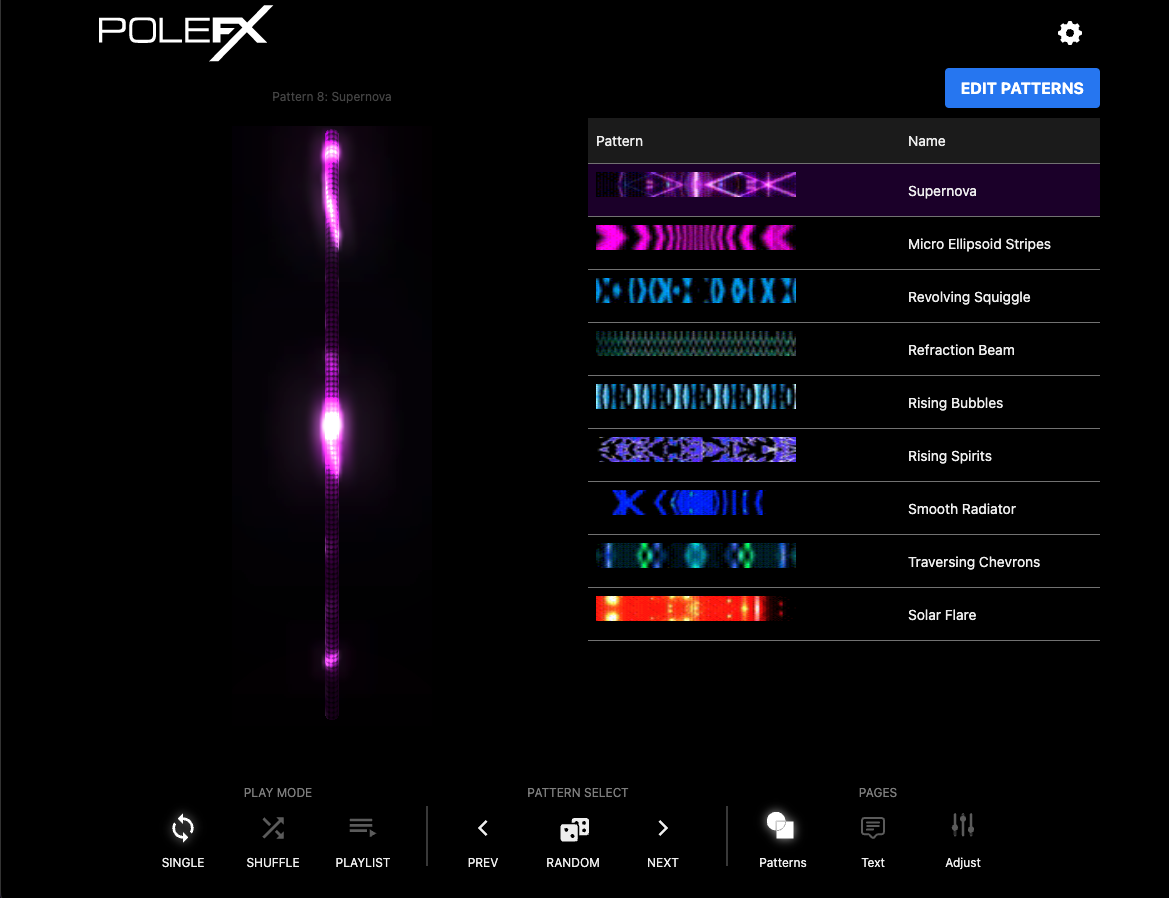
The Patterns page of the interface supplied before July 2026. It is the page the web app opens on, and it is where you pick the look the pole plays. For the map of the whole screen, see the interface map.
Previous PlayerBefore July 2026Patterns
 1
2
3
4
5
6
7
8
9
1
2
3
4
5
6
7
8
9
- Playing now The line above the preview names the pattern on the pole and its number, here "Pattern 8: Supernova". The preview under it is that pattern running.
- Edit Patterns Opens the Edit Patterns page, where the per-pattern options live: the Active flag, the name, a keyboard key, and a hue offset.
- Table headings Two columns, Pattern and Name. The table is the playlist of active patterns on the player.
- The highlighted row The pattern that is playing. Click any row to play that pattern.
- Pattern strip The Pattern column shows a strip of the pattern itself, so you can pick by eye rather than by name.
- Name The pattern name. Rename a pattern under EDIT PATTERNS.
- Row order The order of the rows is the play order. Drag a row to move it.
- Play mode Single loops this pattern, Shuffle cycles the active patterns at random, and Playlist plays them in list order.
- Pattern select PREV, RANDOM, and NEXT. Previous and Next follow the order of this table.
Main table
The table is the playlist of active patterns on the player. Drag patterns to reorder them. Click a pattern to play it.
Pattern select
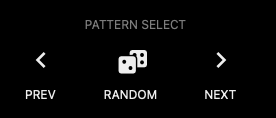
The three buttons at the foot of the page move through that same list without touching it.
Previous PlayerBefore July 2026Pattern select
 1
2
3
1
2
3
- Prev The pattern before this one in the table.
- Random The middle button of the group, marked with a dice.
- Next The pattern after this one in the table.
Edit patterns
Click 'EDIT PATTERNS' button.
The Edit Patterns page lets you:
- Turn pattern Active flag on and off
- Change pattern name
- Assign keyboard key to patterns
- Assign a hue offset per pattern
Add patterns
Upload custom content. A pattern is a video file, and it has to be this size and frame rate.
| Property | Value |
|---|---|
| Resolution | 900 x 24 |
| Frame rate | 60 fps |
| Formats | .mov, .mp4 |
Previous PlayerBefore July 2026Pattern format
 1
2
3
1
2
3
- Top The left end of the frame is the top of the pole.
- 900 pixels The long axis of the frame, running along the pole.
- 24 pixels The short axis of the frame.
Previous interface guide
You are reading the guide for players supplied before July 2026. These are its three pages.